
Add an Observer to the Idaho Mesh Map
The Idaho Mesh map shows our MeshCore network in real time — nodes, coverage, packet paths, and channel activity. It's built from observers: nodes that forward traffic they here to our mesh map via MQTT. This is one-way for mapping, troubleshooting, and analytics only. Our MQTT server does not bridge repeaters over the Internet. If you run a repeater, room server, or an always-on companion with reliable power and internet, you can put your corner of the state on the map, which helps us grow the mesh.
idahomesh which will auto configure your node to push to our mqtt server mqqt.idahomesh.orgThere are many ways with many tools to run an observer; this page doesn't cover each one; it just gives you the settings. Plug them into whatever tool or firmware you use. If you need help, ping us on Discord or Signal.
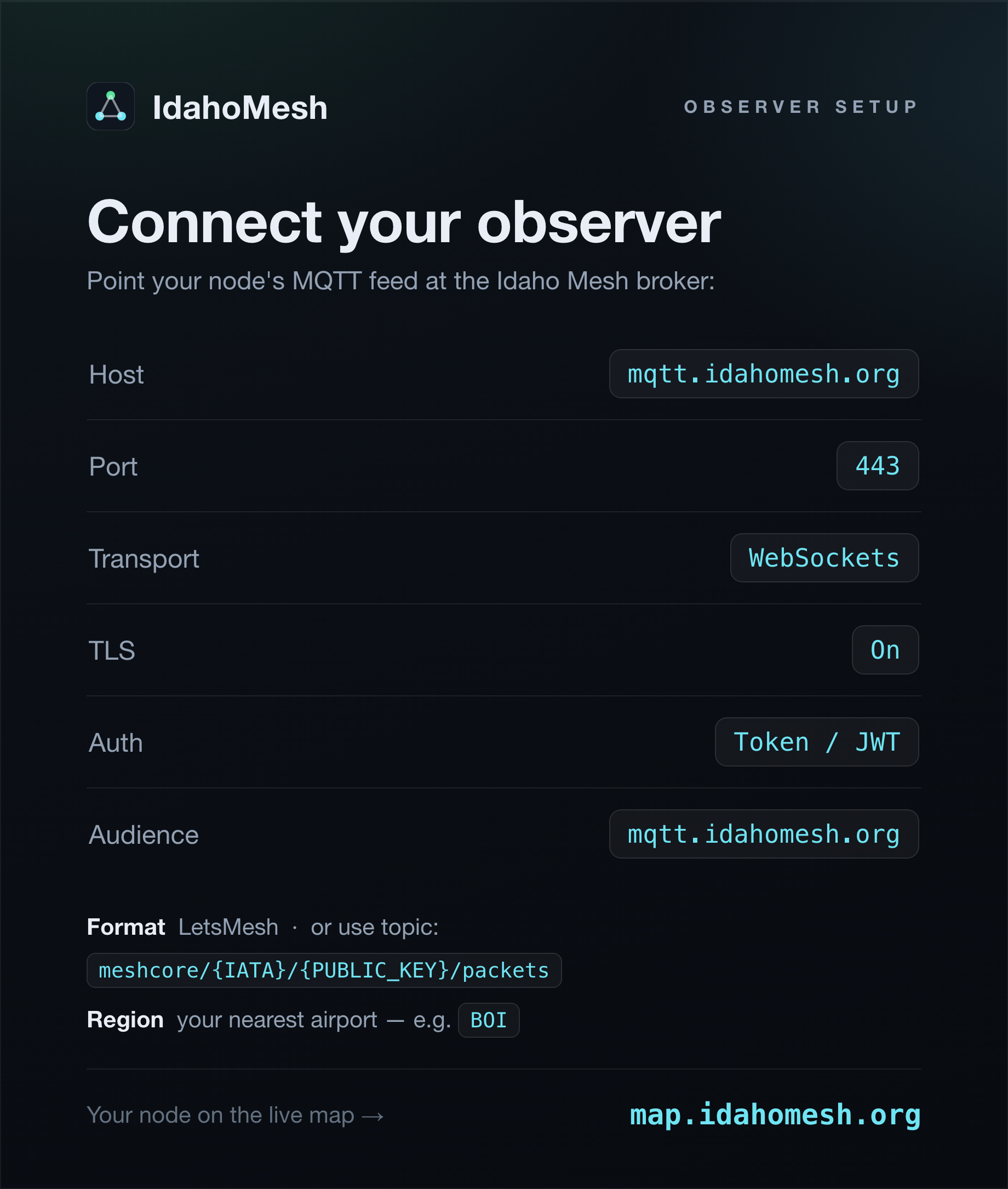
Broker settings
Point your observer's MQTT publisher at the Idaho Mesh broker. Your node signs in with its own MeshCore key — no password to set.
| Setting | Value |
|---|---|
| Host | mqtt.idahomesh.org |
| Port | 443 |
| Transport | WebSockets |
| TLS | On |
| Auth | Token / JWT |
| Audience | mqtt.idahomesh.org |
Alternative — shared login: if your tool doesn't support token auth, use the community login instead.
| Setting | Value |
|---|---|
| Username | idaho |
| Password | gemstate2026 |
Format: if your tool has a list of format options, choose LetsMesh. If your tool has no format options, use this topic template: meshcore/{IATA}/{PUBLIC_KEY}/packets
Set your region
Tag your data to your area with the IATA code of your nearest airport — in most tools this is a "region" / "IATA" field. For example, if you're anywhere in southwest Idaho, use BOI.